Dashboard Basics
From your dashboard, you can manage your entire map project. The web-based CMS offers you a number of useful features, which are explained in detail in the other dashboard and map dashboard nodes.
Here are some additional useful information in advance:
Login
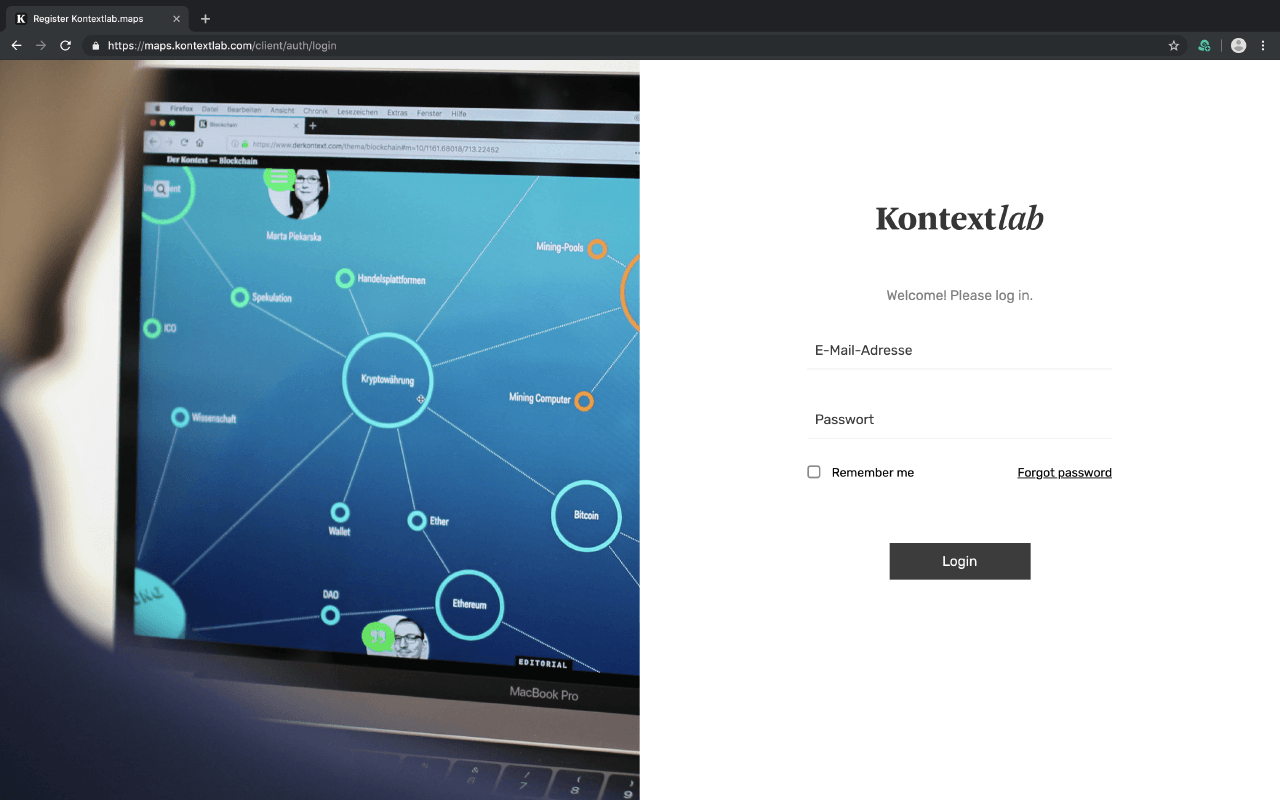
Log it to access your Dashboard:
Editor Browser Compatibility
Kontextlab's CMS works best with the latest version of the free browsers "Chrome" or "Firefox".
Auto-Save
Each work step is immediately saved in the editor. With each change, the message "Map was saved..." is displayed at the top of the editor. This prevents work steps from being lost due to forgotten savings, browser crashes or other reasons.
But not all changes can be seen immediately in the live map, every further change is saved in an intermediate version after the first live save of your map. Only when you publish the intermediate version your changes appear in your published map.
Parallel working
What doesn't work
It is not possible for two or more people to edit the map in the Canvas Editor at the same time. The autosave then causes the changes to be overwritten or deleted by other participants.
Therefore, please make sure that no canvas editor is open after editing to allow others to access it. And make sure that the editor is not opened in several tabs.
Was works
Using the pop-up form, content can be maintained simultaneously in the CMS. Not in one form field at the same time, but in different fields. There is currently no live transmission, so that changes made by others only become visible after the form has been reloaded. Therefore, in the ideal case, clarify in advance who is working on which content.
Support
There are still questions open or something is not working? Please write to us:
support@kontextlab.com
We will process your request according to your support agreement.