Social Networks
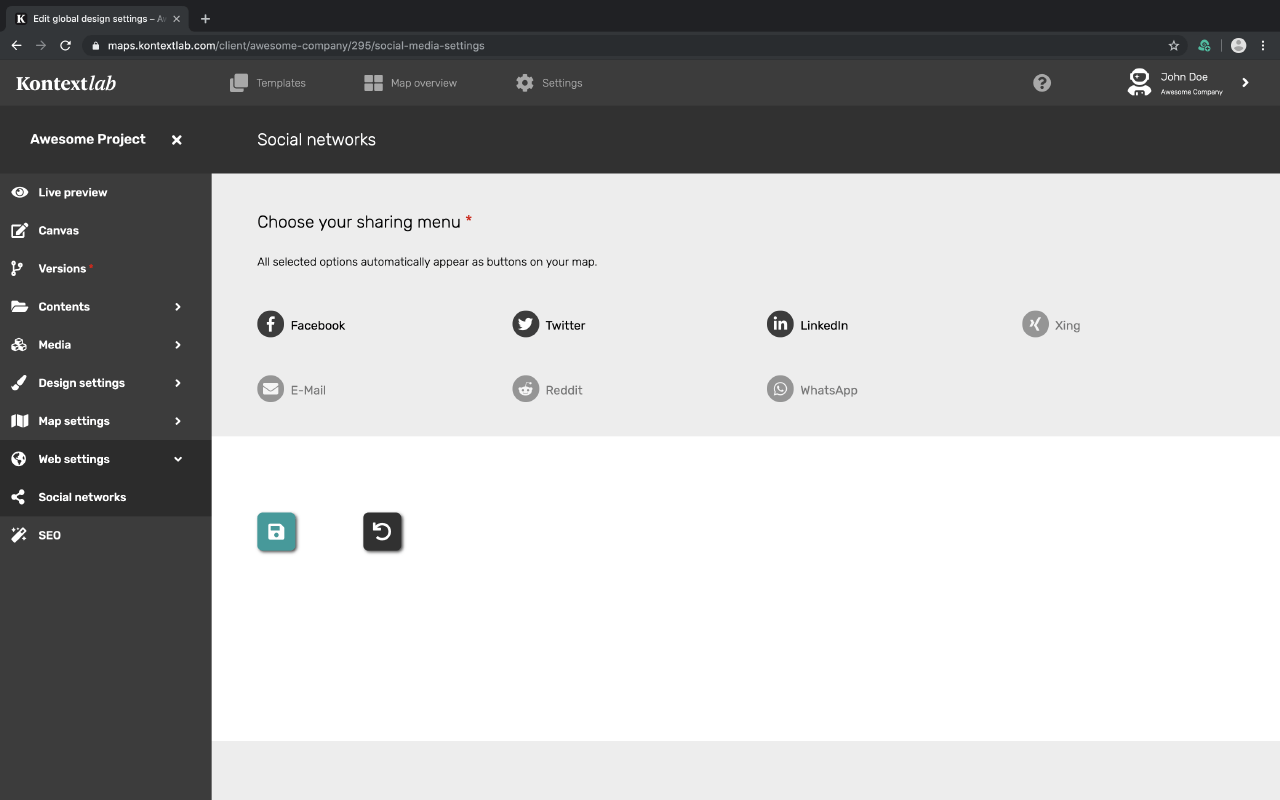
Spread your Map! If you want to allow the sharing of your content and map on social media, select the networks here. Click on the icon and save to activate the social share icons in your map.
The share icons are automatically placed under all your content and in a tab on your map.
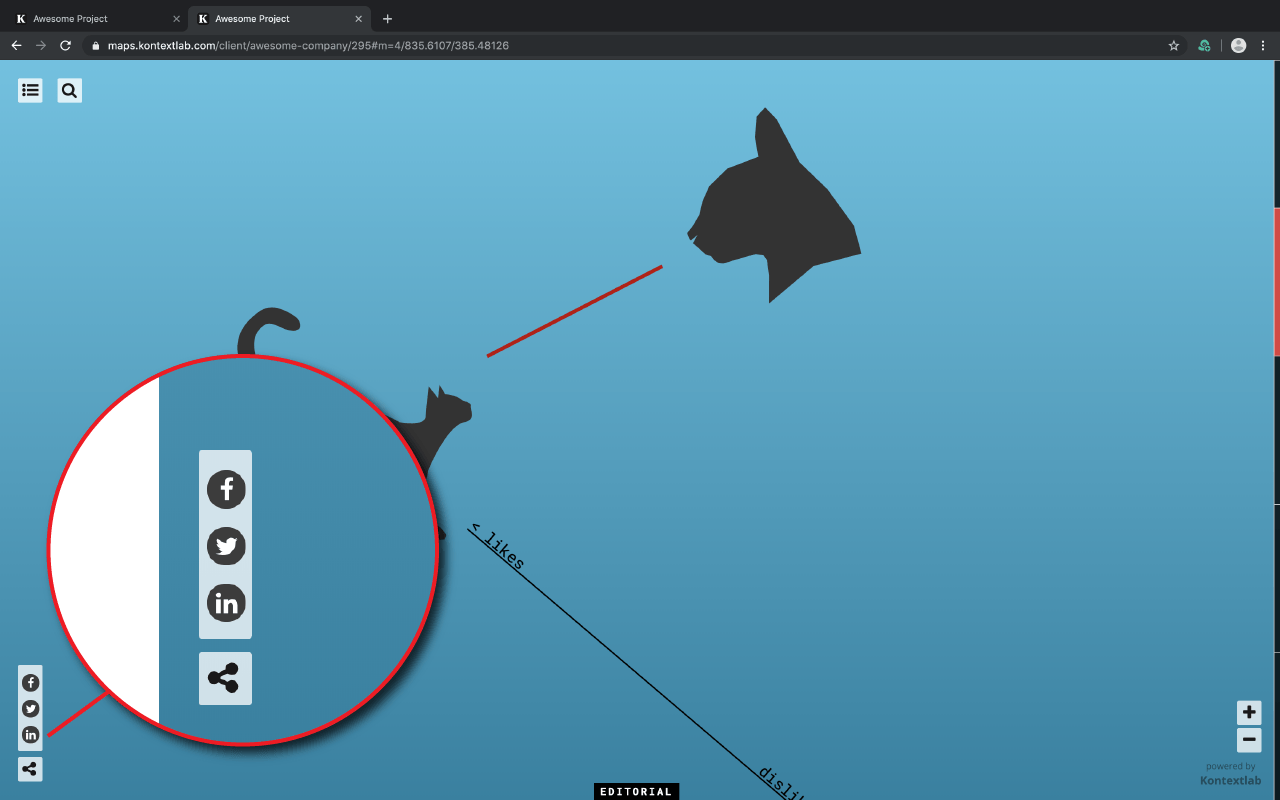
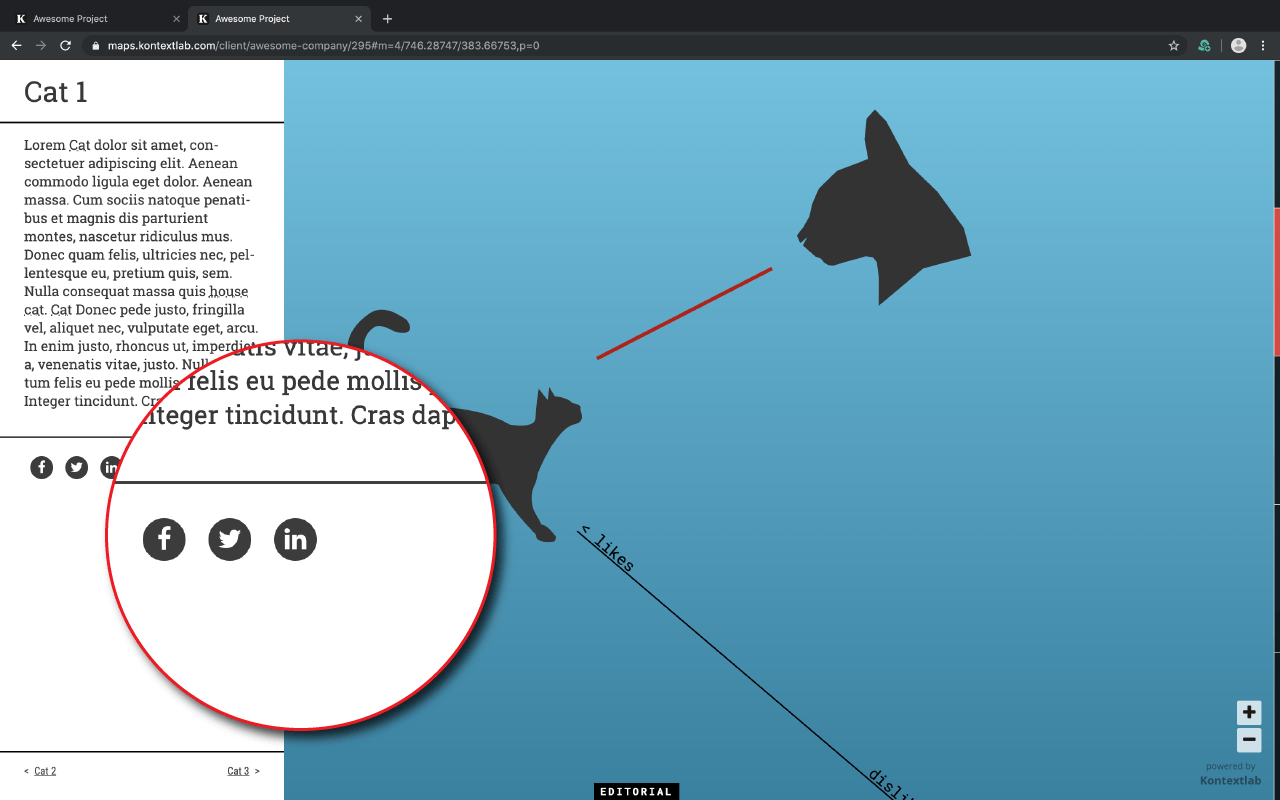
With the icons you can either share the whole map or a certain content of your map.
Note: The sharing buttons share data with social networks. The users of the map must be informed of this at least in a short sentence. This could read: "When using this map, data is passed on to social networks. By including sharing buttons (e.g. the Facebook Like button), this happens automatically. As the provider of this map, we cannot prevent social networks from this data flow."