Map-Options
You can define general settings for the map project in the map options. In addition to the name of the map, you can store additional information here.
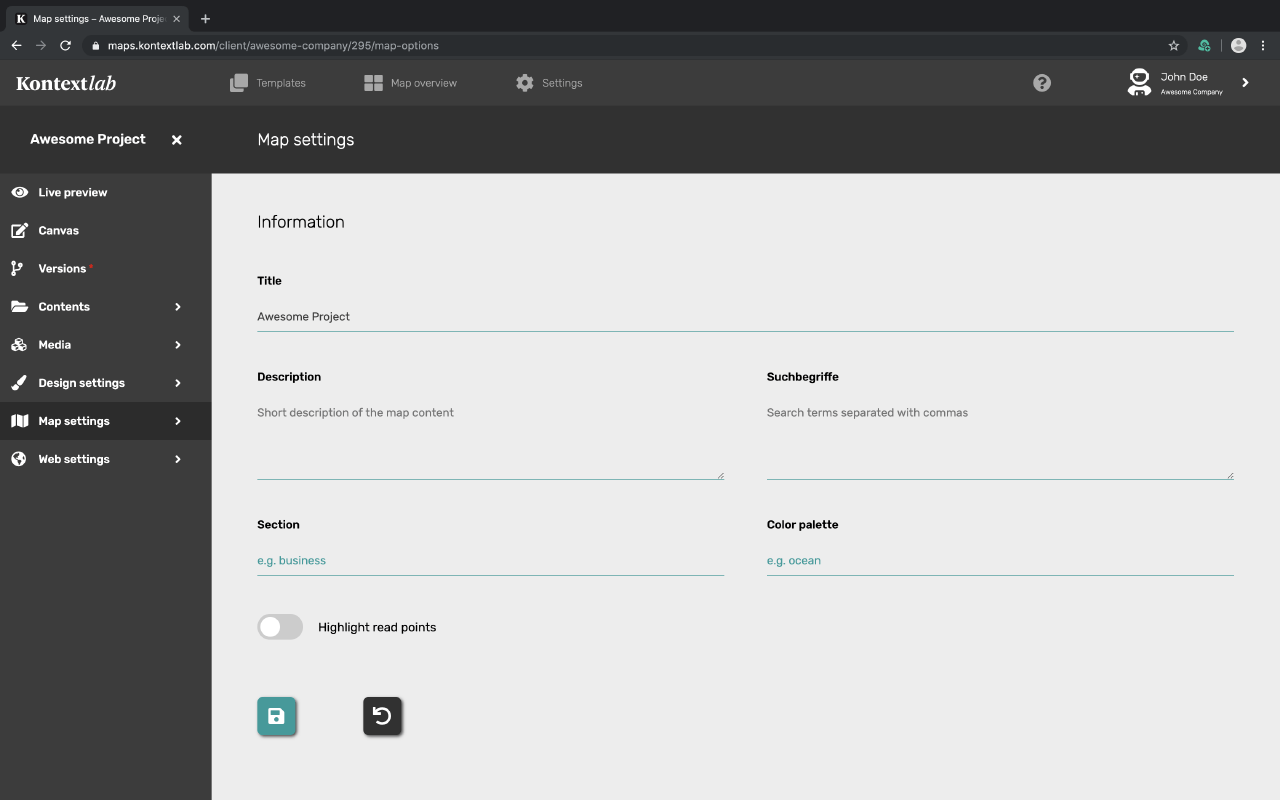
Title
Enter the name of your map here. This name appears in the map overview, in the dashboard above the menu and in the tab tab of the browser.
Description
Set here a short description of your map project. When sharing in social networks and search results in search engines, this short description will appear as a preview text.
Search Terms
List relevant keywords for your search.
Division & Color temperature
Both fields can be filled in optionally. They are relevant if you create your own template. In the template overview these terms can give you hints on the template.
Mark the dots you have read
Turn on this toggle if you want your readers to be able to visually see which points on the map they have already read. If this option is enabled, the points read will be displayed brighter than unread points. Deactivate this function and all points of the map will keep their color constantly.
Additional settings ranges of the map options
Determine whether the map should be freely accessible or whether it can only be accessed with password protection using "Access". Set a header above your map under the heading "Title bar".